The Free Collection

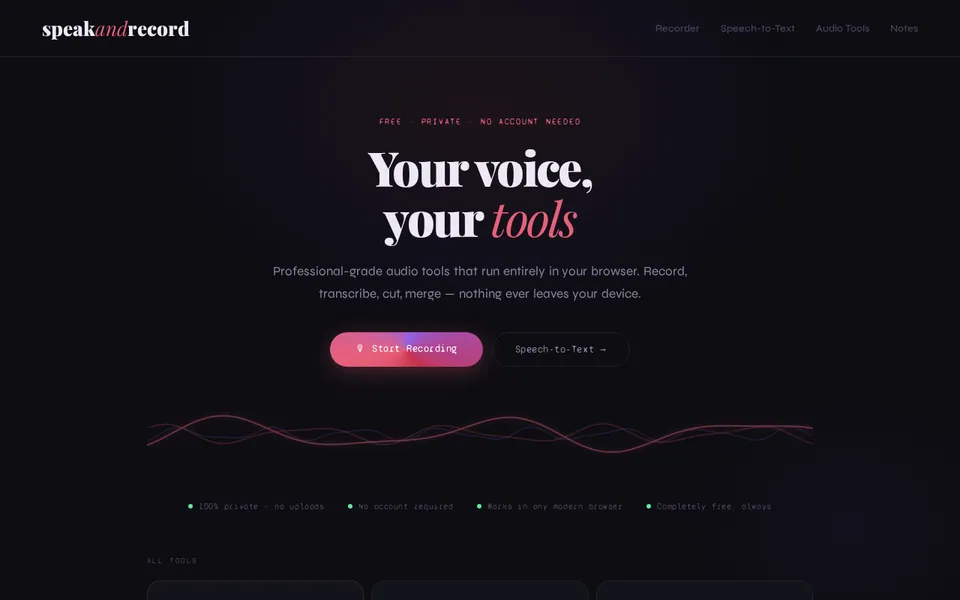
SpeakAndRecord

Voice recorder, microphone test and simple audio tools.

SpeakAndRecord records your voice in the browser, plays it back and lets you download it. It also has a microphone test and tools to cut and convert audio.

What you can do with it

  • Test a microphone before a call
  • Record a voice memo
  • Trim an audio file

Open speakandrecord.com

18 tool pages. Free, no account. Checked on November 25, 2026.

All tools on SpeakAndRecord

  • Audio to TextFree audio to text online: play an MP3, WAV or M4A file and get a live transcript in 12 languages. Chrome or Edge, no signup, copy or save as .txt.
  • Speech to Text OnlineSpeak and see your words appear in real time. Supports 50+ languages. Works in your browser with zero setup. No uploads, no account, completely private.
  • Mic Test OnlineFree mic test online: check that your microphone works in seconds with a live waveform, level meter and device info. No install, nothing is recorded.
  • WAV Cutter & Audio Cutter OnlineFree WAV cutter and audio cutter: trim WAV, MP3, OGG or M4A in your browser, pick the clip on the waveform and download it as WAV. No upload, no account.
  • Online Screen RecorderRecord your screen online for free. No software to download, no extension to install. Capture screen, window, or tab with audio. Works in any modern browser.
  • Free Online Voice RecorderOnline voice recorder: click to record your voice in the browser, pause, stop, then download. Live transcript included. No account, no uploads.
  • Screen Recorder for iPhoneBrowser screen recording does not work on iPhone. Here is what to use instead: the built-in iOS screen recorder and desktop alternatives for recording iPhone content.
  • Audio Merger OnlineMerge multiple audio files into one, right in your browser. Upload MP3, WAV or OGG, drag to reorder, download the result. Free, private, no signup.
  • Free Screen CaptureCapture your screen for free in the browser. Record any tab, window, or display with optional audio. Download WebM instantly. No install, no signup needed.
  • Screen Recorder for ChromeRecord your screen directly in Chrome with no extension needed. Capture tabs, windows, or full screen with mic audio. Free, instant, private.
  • Screen Recorder for MacRecord your Mac screen directly in Chrome or Firefox. No QuickTime hassle, no app install. Capture screen with mic audio and download WebM instantly.
  • Screen Recorder No WatermarkRecord your screen without any watermark, time limit, or branding. Free browser-based recorder with clean output. No signup, no Pro tier required.
  • Screen Recorder for WindowsRecord your Windows screen in Chrome, Edge, or Firefox. No software to install, no Xbox Game Bar needed. Capture with mic audio and download WebM.
  • Screen Recorder with AudioRecord your screen with microphone audio in the browser. Mix voiceover with screen capture, download WebM. No install, no account, 100% private.
  • Screen Recorder with WebcamRecord your screen with a webcam overlay in the corner. Free, browser-based, no install. Perfect for tutorials, presentations, and demo videos.
  • Free Screen Recorder No DownloadRecord your screen for free, right in the browser. Capture screen with microphone audio, download WebM instantly. No install, no account, 100% private.
  • Voice Notes OnlineRecord voice notes, auto-transcribe them, and save locally in your browser. Search, export, and organize your notes. Free, private, no account needed.
  • Webcam Recorder OnlineWebcam recorder online: record your camera in 720p with audio, see a live preview, then download a WebM file. Free, no install, no account.

Articles that use SpeakAndRecord

Also in audio and music